
This post contains affiliate links. If you make a purchase, I may earn a commission.
Sweaty hands can ruin an otherwise great gaming session. Your mouse starts slipping, your controller loses grip, and suddenly your aim and reaction time feel off. Whether you’re playing competitively or just trying to enjoy a few matches, sweaty palms can quickly become a real disadvantage.
The frustrating part is that it often shows up at the worst times—during intense moments, long sessions, or high-pressure games. The good news is this is a very common problem, and there are practical ways to manage it.
Below, you’ll find quick fixes you can use immediately, along with gear, setup adjustments, and long-term solutions that can help you stay in control and play comfortably.
11 Fixes for Sweaty Hands While Gaming
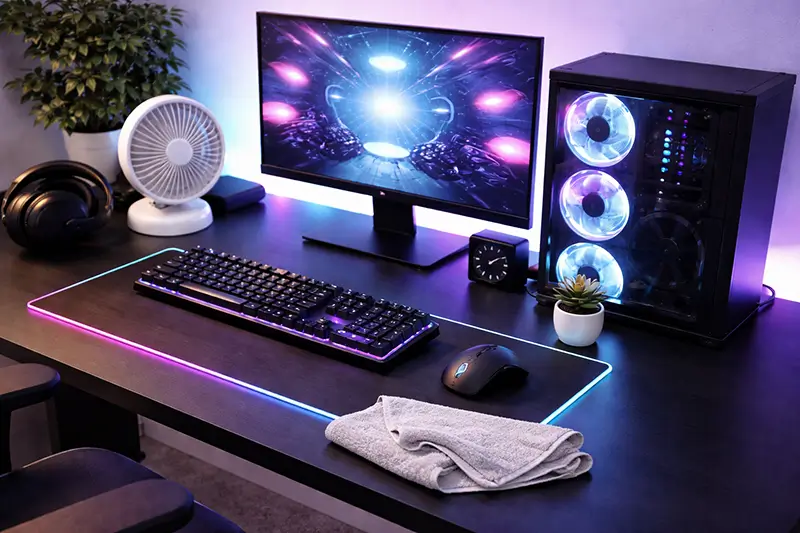
1. Use a desk fan or improve airflow
A small desk fan can make a bigger difference than you’d expect. Direct airflow helps keep your hands cool and reduces sweat buildup during long sessions.
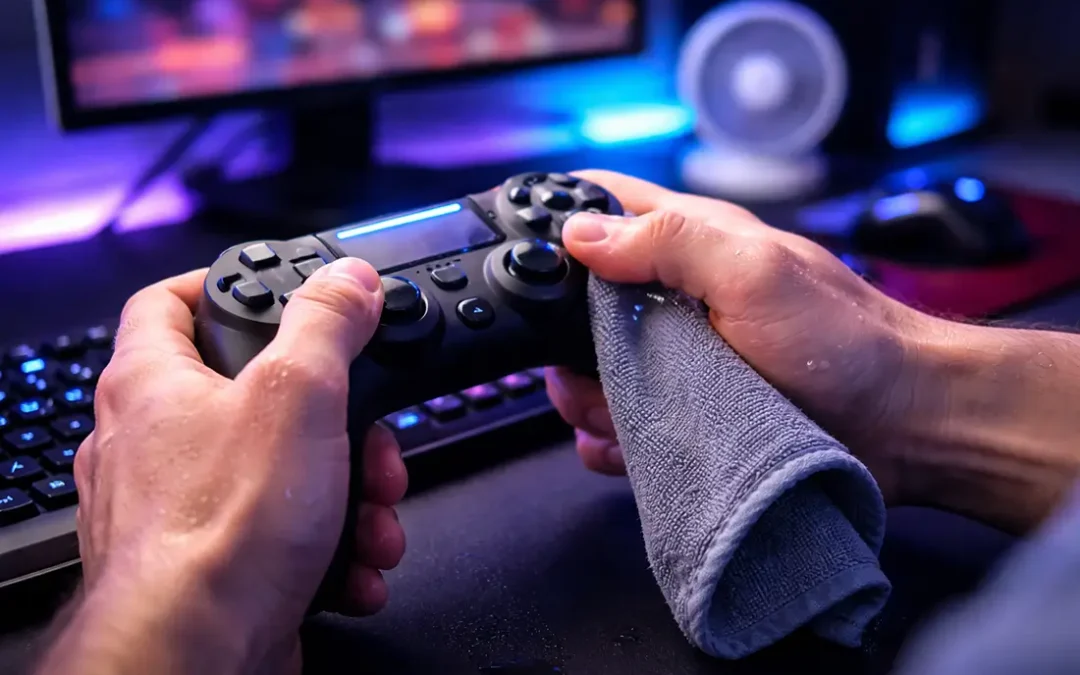
2. Keep a microfiber cloth nearby
This is one of the easiest fixes. Quickly wipe your hands between matches to maintain grip and comfort.
3. Wash and fully dry your hands before gaming
Starting with cool, dry hands delays sweating. Make sure your hands are completely dry before touching your mouse or controller.
4. Take short breaks between matches
Even 30–60 seconds between games gives your hands time to cool down and reset.
5. Lower the room temperature
If possible, reduce ambient heat. A cooler environment naturally reduces sweat production.
6. Limit caffeine before gaming sessions
Caffeine can stimulate your nervous system and increase sweating in some people—especially during competitive play.
7. Apply antiperspirant to your palms
Reduces sweat at the source and works well when used consistently.
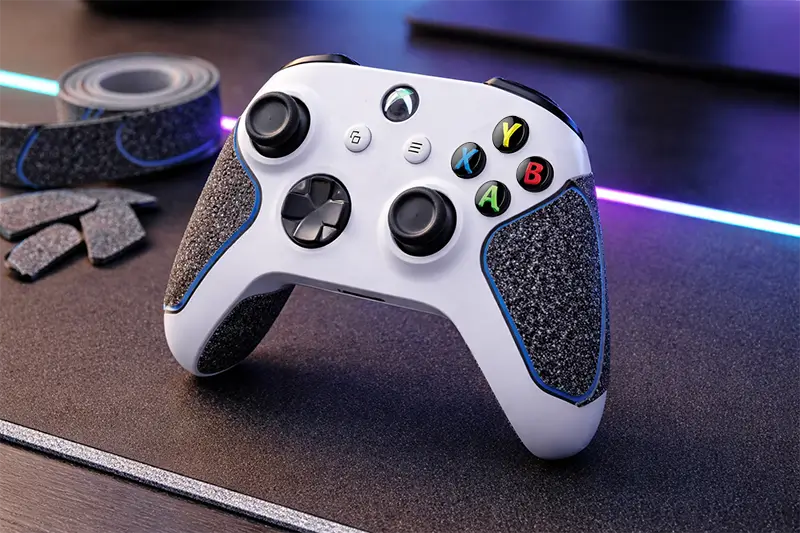
8. Use gaming grip tape
Adds friction to your mouse or controller, preventing slipping. (more on this below)
9. Try gaming gloves or finger sleeves
Helps reduce moisture impact and improves consistency.
10. Use grip powders or creams
Absorb moisture and improve traction during gameplay.
11. Upgrade your gaming setup for better cooling
Add airflow, avoid heat-trapping surfaces, and optimize your desk setup.
Why Your Hands Sweat While Gaming
Understanding the cause makes it much easier to fix.
Intense Focus and Adrenaline
Gaming—especially competitive gaming—triggers a stress response in your body. Even if you don’t feel anxious, your body releases adrenaline, which activates sweat glands in your palms.
That’s why your hands often sweat more during:
- Ranked matches
- Fast-paced shooters
- Competitive or high-stakes moments
Heat Buildup From Long Sessions
Your hands are in constant contact with a mouse or controller. Over time, heat builds up, especially if:
- The room is warm
- There’s little airflow
- You’re playing for extended periods
That combination creates the perfect environment for sweating.
Room Temperature and Airflow
A warm or poorly ventilated room can make sweating worse—even if you’re sitting still. When you combine a warm room with the intense focus and adrenline that comes with gaming, it's only natural for your body to respond with more sweating.
Palmar Hyperhidrosis
If your hands sweat excessively regardless of temperature or stress, you may be dealing with palmar hyperhidrosis. This condition causes overactive sweat glands in the hands and can affect grip in daily activities—not just gaming.
👉 Many people also struggle with sweaty hands while typing.
Best Grip Solutions for Sweaty Hands
This is where most generic advice falls short. If sweaty hands are affecting your performance, these solutions can make a noticeable difference.
Gaming Grip Tape (Mouse & Controller)
Grip tape is one of the most effective upgrades you can make.
- Adds texture and friction
- Prevents slipping even when hands are slightly damp
- Commonly used in esports setups
You can apply it to:
- Mouse sides
- Controller grips
- Even certain laptop areas
Gaming Gloves or Finger Sleeves
Popular in mobile gaming and increasingly used in PC gaming.
- Reduce friction between skin and device
- Help maintain consistent control
- Useful for long sessions
They may feel unusual at first, but many players adjust quickly.
Antiperspirant for Hands
This is one of the most underrated solutions.
- Reduces sweat at the source
- Works best when applied consistently
- Particularly helpful for frequent sweating
👉 Check out my review of the Best Antiperspirants for Sweaty Hands to find the best option for you!
Grip Powders or Creams
Borrowed from sports like weightlifting and climbing.
- Absorb moisture
- Improve hand traction
- Provide quick, temporary grip improvement
These are especially useful during longer sessions.
Mouse vs Controller: What Works Best for Sweaty Hands?
Different setups require different solutions.
Mouse (PC Gaming)
Sweaty hands affect:
- Precision
- Cursor control
- Consistency in aim
Best solutions:
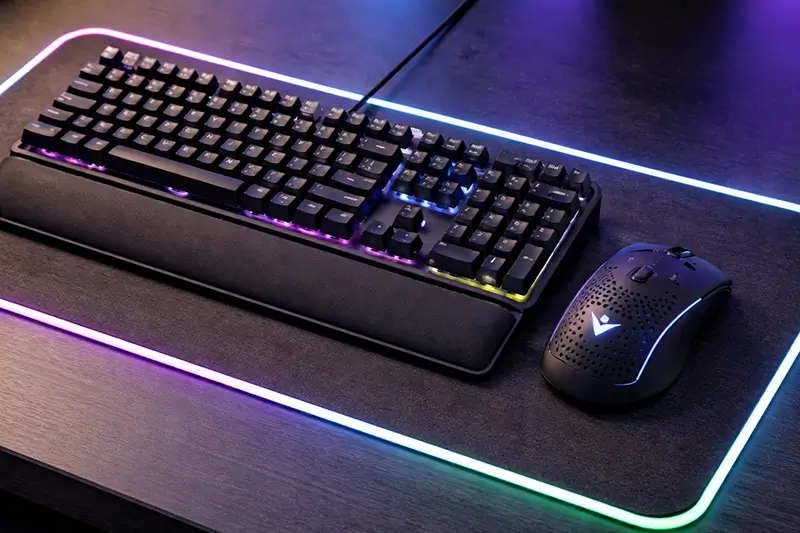
- Matte or textured mice (avoid glossy surfaces)
- Grip tape on mouse sides
- High-quality mousepads that maintain glide
- Keeping hands dry between matches
Controller (Console Gaming)
Sweat impacts:
- Thumbstick control
- Overall grip stability
Best solutions:
- Thumbstick grips
- Textured controller skins
- Grip tape on handles
- Frequent quick wipes during gameplay
If you primarily use a controller, improving grip surfaces can make a huge difference in control and comfort.
Gaming Setup Changes That Reduce Sweaty Hands
Sometimes the issue isn’t just your hands—it’s your environment.
Use a Desk Fan Strategically
Position airflow toward your hands, not just your face. As the cool air passes over your hands, it will speed up the evaporation process, removing moisture while also cooling the surface down.
Choose Breathable Surfaces
Wood or fabric desk mats tend to trap less heat than plastic or glass surfaces. When you combine this with a good desk fan, it can significantly reduce the amount of heat on the surface of your desk.
Avoid Heat-Trapping Setups
Laptops, in particular, can generate heat near your hands. Consider:
- Using an external keyboard
- Elevating your laptop
- Improving ventilation
Keep Hands Relaxed
Tension increases sweating. Try to keep a relaxed grip on your mouse or controller whenever possible. Consider using an ergonomic mouse or keyboard to alleviate strain on hands and wrists.
Long-Term Solutions if Sweaty Hands Keep Affecting Your Gaming
If this is a recurring issue, it’s worth addressing it more directly.
Clinical-Strength Antiperspirants
These are stronger than standard options and can significantly reduce sweating over time.
Best used:
- At night
- On clean, dry skin
- Consistently for best results
Iontophoresis
A treatment often recommended for persistent palm sweating.
- Uses mild electrical currents
- Can reduce sweat production over time
- Often used for hyperhidrosis
💡 Read my article about iontophoresis for sweaty hands to get more information on this popular treatment option.
Managing Stress and Competitive Pressure
Even if you don’t feel stressed, your body may react to competitive gameplay.
Simple techniques:
- Deep breathing between matches
- Short breaks after intense games
- Staying hydrated
Reducing stress can directly improve hand dryness and overall performance.
When Sweaty Hands Might Be Hyperhidrosis
You may want to look into treatment options if:
- Your hands sweat even when you're not gaming
- Sweating happens daily
- It interferes with grip in multiple situations
- It feels excessive compared to normal heat or stress
In these cases, palmar hyperhidrosis could be the underlying cause.
The good news is that there are effective treatments available, and many people see significant improvement once they address it directly.
❓ If you're curious whether you might have hyperhidrosis, check out this post detailing the most common symptoms.
FAQ: Sweaty Hands While Gaming
How do I stop sweaty hands while gaming?
Start with airflow (fan), keep a cloth nearby, and consider using grip tape or antiperspirant. These combinations work well for most people.
Why do my hands sweat more during intense games?
High-pressure moments trigger adrenaline, which activates sweat glands—especially in the palms.
What helps with sweaty hands on a controller?
Thumb grips, textured surfaces, and frequent hand drying can improve control and reduce slipping.
Does grip tape actually work for gaming?
Yes. It’s widely used because it improves friction and control, especially when hands get slightly damp.
Can antiperspirant be used before gaming?
Yes. Applying it before sessions—or at night—can reduce sweat production and improve grip during gameplay.
Quick Summary: How to Stop Sweaty Hands While Gaming
- Use a desk fan for airflow
- Apply antiperspirant to your palms
- Use grip tape on your mouse or controller
- Keep a microfiber cloth nearby
- Take short breaks between matches
Final Thoughts
Sweaty hands while gaming can feel like a small issue, but it has a real impact on comfort, control, and performance. The good news is that it’s highly manageable.
For most people, a combination of better airflow, improved grip, and simple habits is enough to make a noticeable difference. If sweating continues to interfere with your gameplay, exploring long-term solutions can help you stay focused and in control.
Dial in a few of these changes, and you’ll likely notice smoother, more consistent performance—without the distraction of slippery hands.